Designing a Mobile App Experience for a Pet Services App
Apply UX and UI principles to design a mobile app experience for pet services, focusing on information architecture principles and user flows.
Problem Definition
After conducting a few interviews with pet owners, it was concluded that they struggle to find boarding, daycare, and sitting services for their pets when planning to travel or when they are busy working long hours, without the hassle of calling multiple service providers, comparing prices, and checking availability. They also showed interest in pet taxi services due to their busy schedules, along with pet training services. This led to the idea of combining all these features into one app. Users mentioned that they would feel more confident if they could see the place where their pet would be staying, learn more about the service provider, and read reviews before making a booking.
About the App
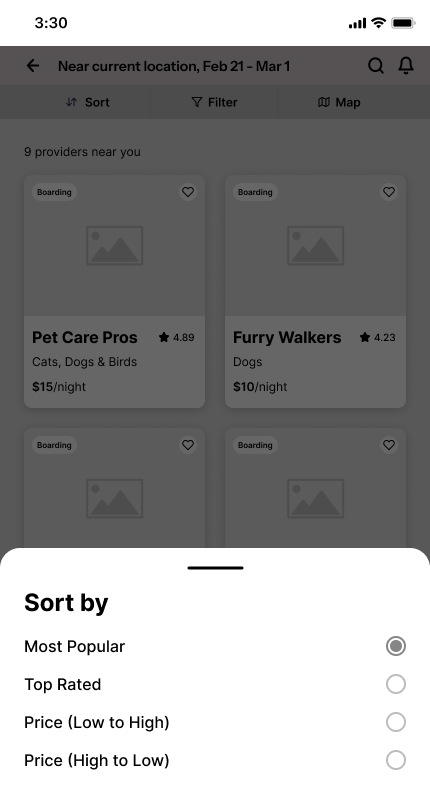
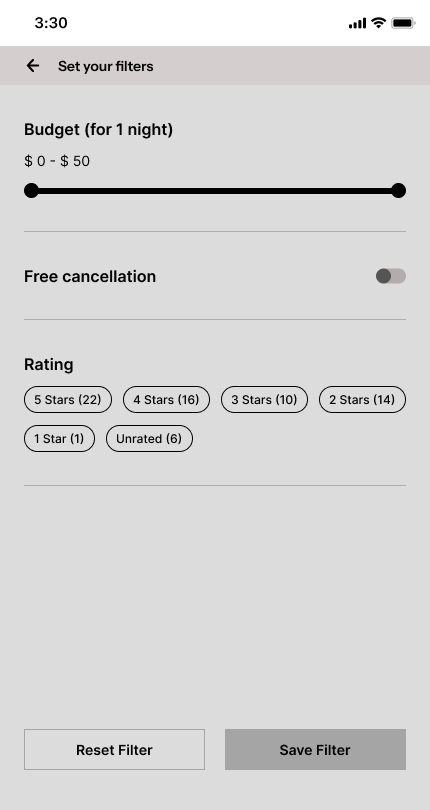
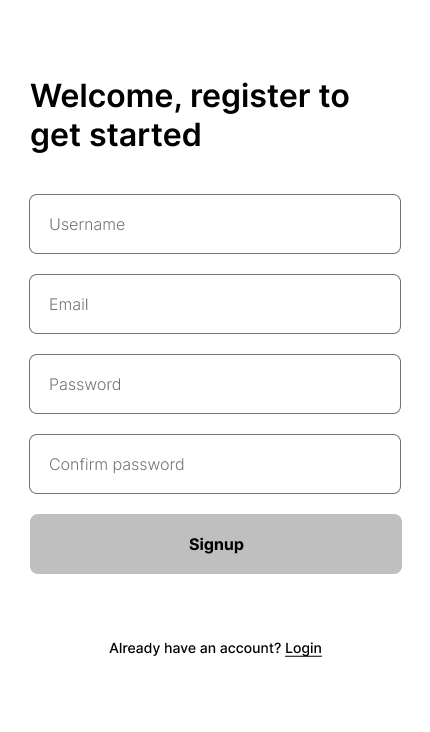
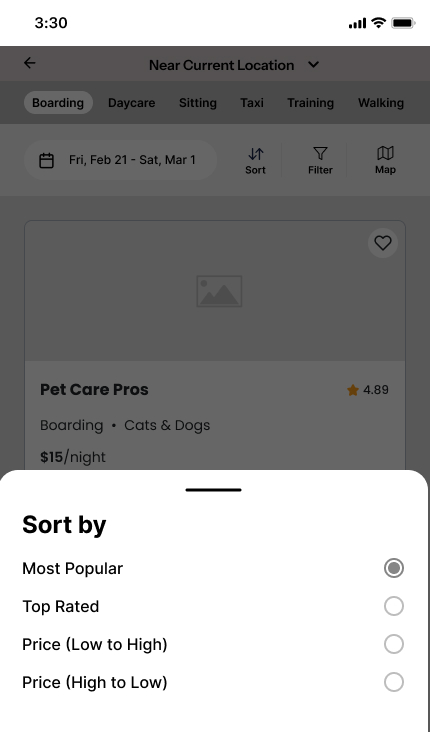
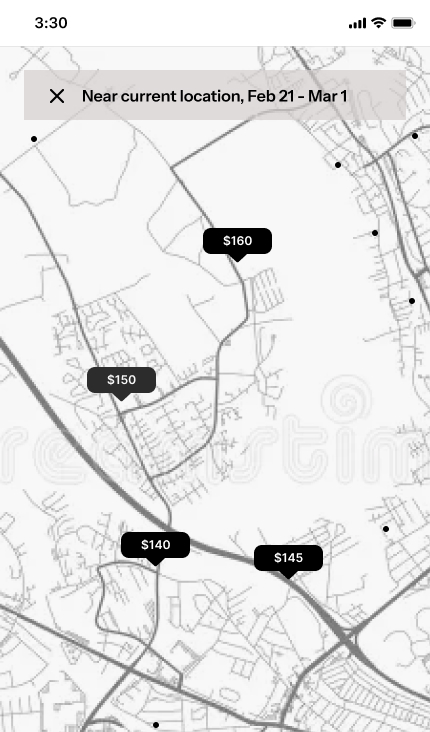
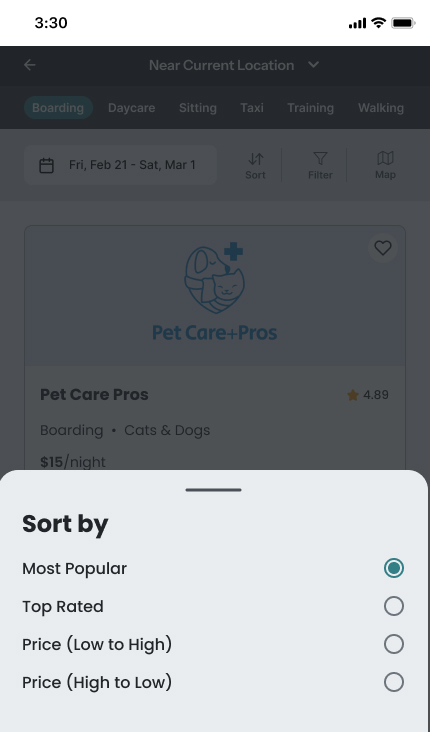
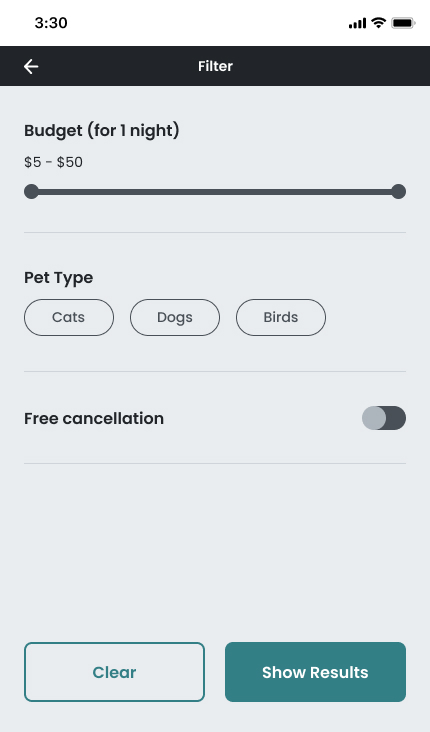
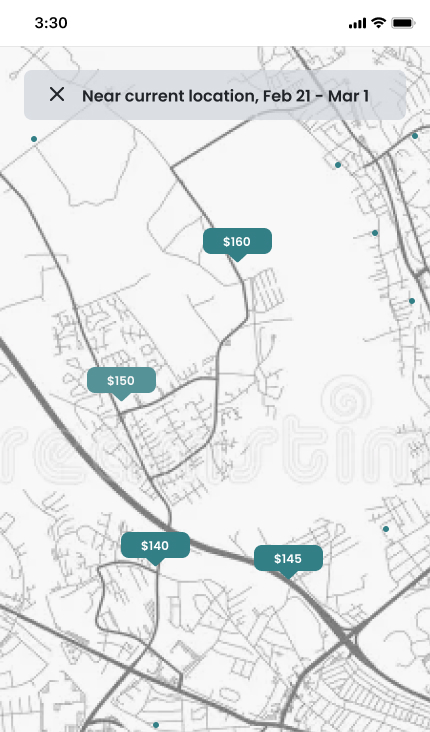
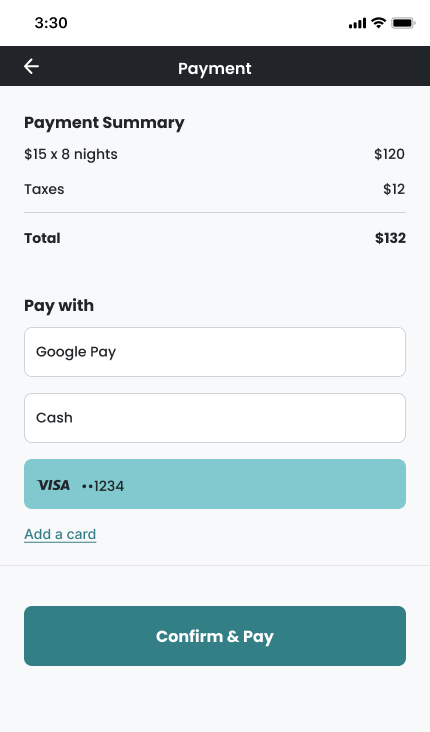
The app connects service providers to pet owners. Users can first log in or create an account, then select a service (Boarding, Daycare, Sitting, Taxi, Training, or Walking). After selecting a service, they can apply filters depending on the chosen service. For example, for Boarding, users can filter by location, dates, and pet type. Once the filters are applied, users can view all available service providers, explore more details about them, and proceed with booking. The app also features a chat service, allowing users to inquire before making a booking.
UX and Wireframes
Refined UX
After completing the first version and testing it with a few users, the following are the major changes:
Changed a few wordings.
Adjusted font sizes for better hierarchy and readability.
Added upcoming bookings to the home screen.
Added services tabs after a user selects a service from the home screen to avoid back-and-forth navigation.
The user can select a date after selecting a service.
One card per row.
On the service details screen, information is organized as tabs to avoid excessive scrolling.
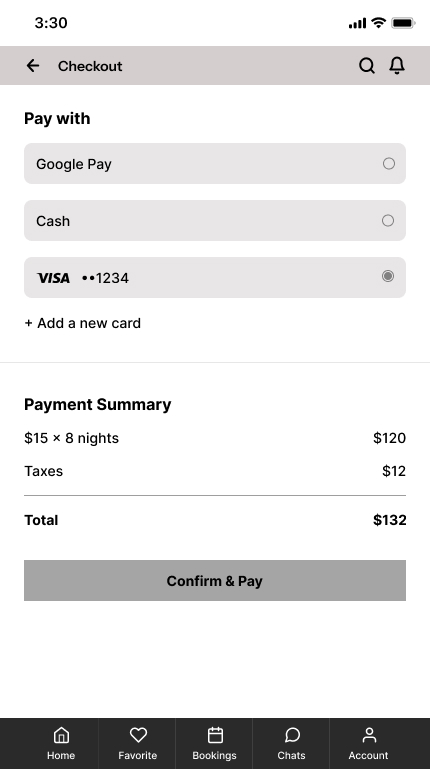
After choosing a service provider, the user can add the number of pets and edit the dates.
On the cart screen, the user can select one of their pets or add a new pet.
On the booking confirmation screen, a button was added to add the booking to the calendar.